Binance Withdraw Protection: plan an on-chain lockdown
Plan a Binance on-chain withdrawal lock around upcoming transfers, early-unlock choices and authentication requirements before enabling the protection.
Decide whether you need an exit during the lock
Withdraw Protection deliberately blocks on-chain withdrawals during a chosen period. Before enabling it, list upcoming transfers, payments and account moves; a security setting that prevents an urgent transfer is working as configured.
Sources for this section
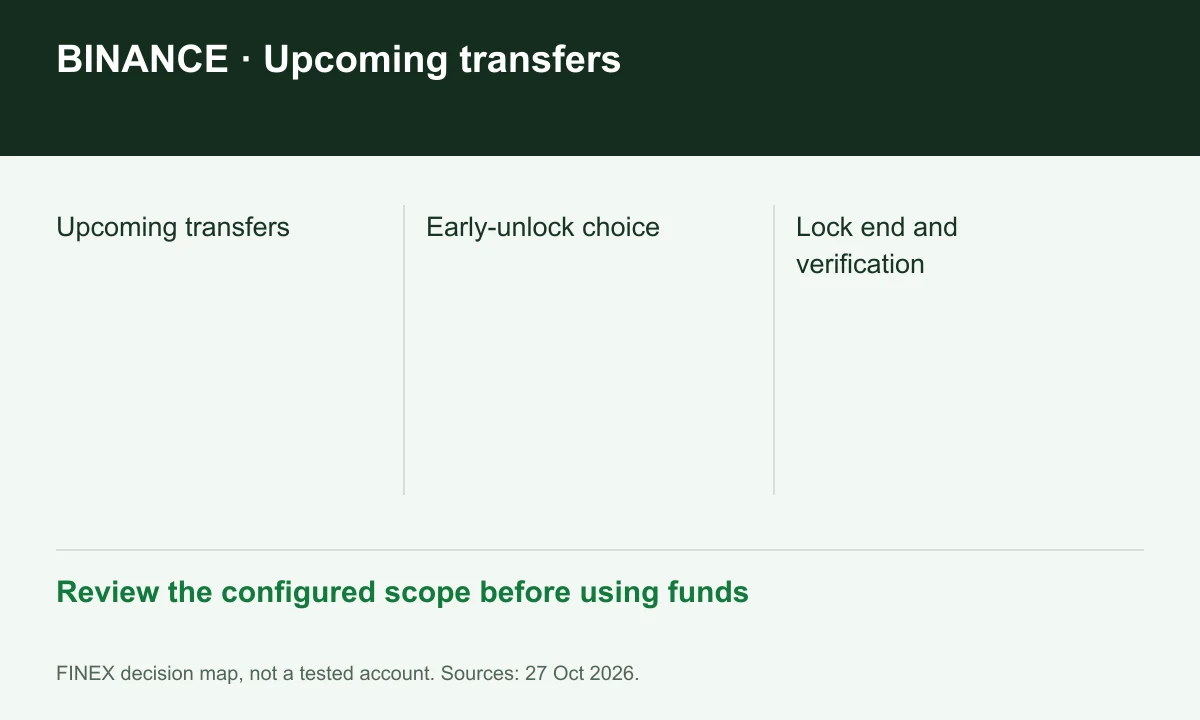
Diagram explained
Review the configured scope before using funds
- Upcoming transfers
- Early-unlock choice
- Lock end and verification
Choose the early-unlock rule first
Binance documents an optional early-unlock setting. Read the authentication requirements before confirming; leaving early unlock disabled changes your ability to shorten the lock. Do not enable a protection period solely to test whether support can override it.
Sources for this section
Separate lock scope from transfer scope
The protection article describes on-chain outflows. Binance internal transfers have a different workflow and may use an internal reference instead of a blockchain hash. Check the actual confirmation screen; do not assume every movement is covered by the same lock.
Sources for this section
Keep a configuration record
Record the end time, early-unlock choice and working authentication methods without storing passwords or codes. The separate 2FA strategy controls verification for selected actions; it does not guarantee that a withdrawal will pass all other account checks.
Sources for this section
Explore trading-fee rebates with Binance
A rebate may reduce some eligible costs. The amount depends on your account and program.
Check terms and partner details
Confirm the rate, eligible fees and payment timing before registering. Need help? contact@finexbroker.com
Your next step
Sources and scope
Sources are provider publications. Conditions may vary by entity, country, account and program. Recheck before signing up.