Markets.com rollover: platform clock and contract checks
Compare Markets.com's MT4 and MT5 rollover notes and instrument rows, avoiding a universal local reset time or a copied financing rate from another product.
Select the right platform table
The conditions page separates MT4 and MT5 notes. Read the table for the account being used rather than carrying a calendar rule from one platform into another.
Sources for this section
www.markets.com — official documentation www.markets.com — official documentation www.markets.com — official documentation
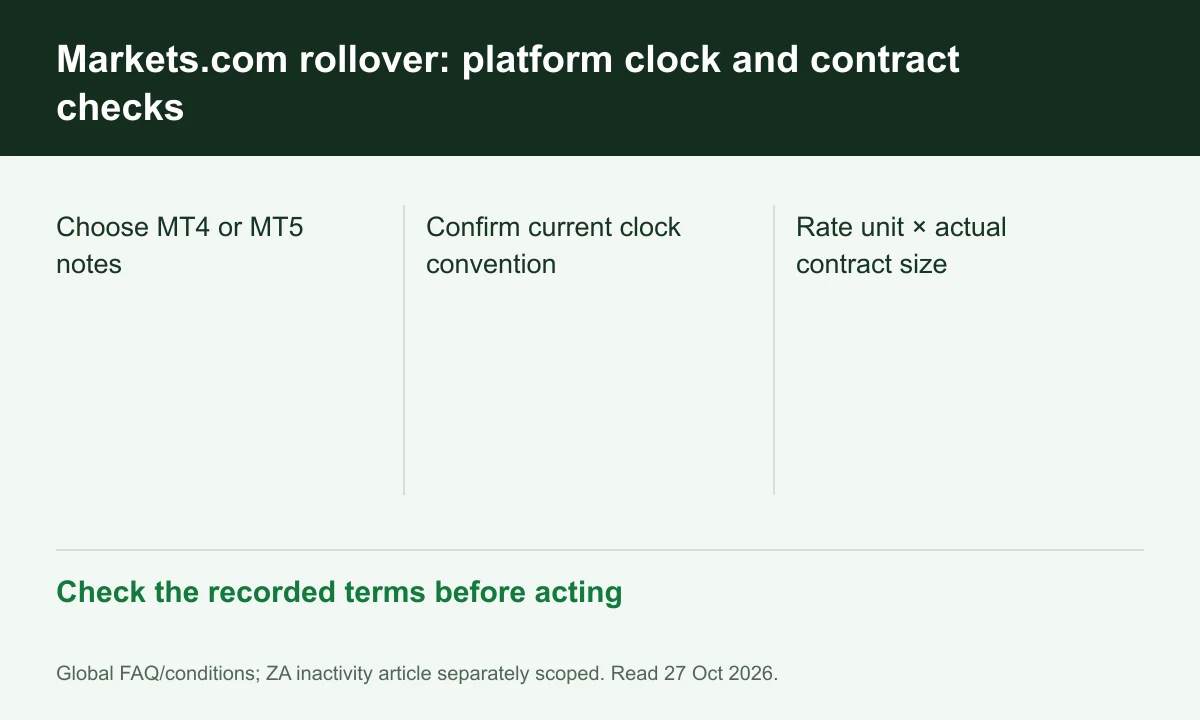
Diagram explained
Check the recorded terms before acting
- Choose MT4 or MT5 notes
- Confirm current clock convention
- Rate unit × actual contract size
Keep the displayed time convention
Its MT4 note explicitly mentions a summer-time adjustment while the MT5 note uses a fixed GMT wording. Confirm the current account schedule; do not silently reconcile them into one Vietnam time.
Check long, short and contract units
The instrument tables give separate buy/sell financing and lot sizes. Record both the rate unit and trade size before multiplying; an oil row cannot price a forex position.
Read multi-day entries conditionally
The page's platform notes describe Wednesday triple rollover for the stated schedules. Holidays and instrument differences still require the current table and posted account entry, not a universal three-times rule.
Explore trading-fee rebates with Markets.com
A rebate may reduce some eligible costs. The amount depends on your account and program.
Check terms and partner details
Confirm the rate, eligible fees and payment timing before registering. Need help? contact@finexbroker.com
Your next step
Sources and scope
Sources are provider publications. Conditions may vary by entity, country, account and program. Recheck before signing up.