Capital.com Bahamas: CFD costs and workflow
Keep /en-int scope and separate spread, financing, conversion, guaranteed stops and withdrawal limits.
The page’s company scope
The /en-int footer identifies Capital Com Online Investments Ltd, Bahamas SIA-F245. This guide does not replace its terms with an Australian PDS or infer Vietnam access. Assigned documents and portal remain controlling.
Sources for this section
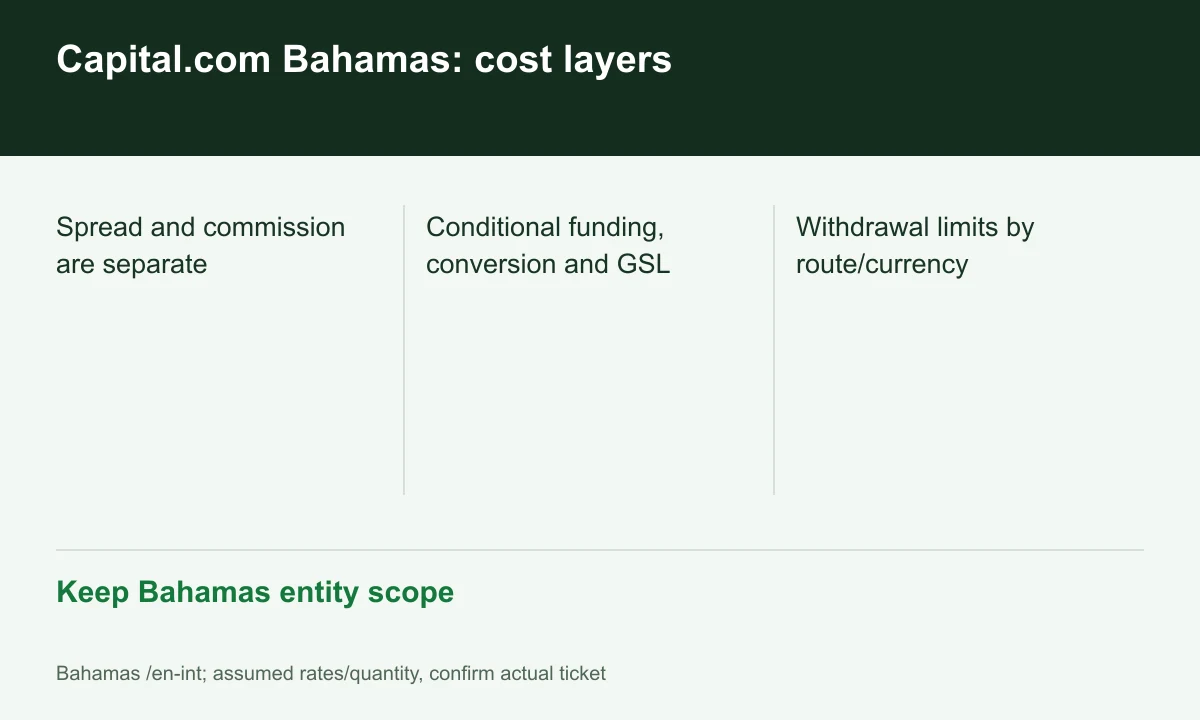
Diagram explained
Keep Bahamas entity scope
- Spread and commission are separate
- Conditional funding, conversion and GSL
- Withdrawal limits by route/currency
Zero commission is not zero total cost
The schedule lists no trading commission but includes spread, financing, conversion and applicable GSL costs. Components use different bases; do not apply conversion percentage to full notional when the converted item is P/L.
Sources for this section
Platform and order type
MT5 has its own route; web/mobile capabilities do not automatically exist in every integration. Confirm GSL support, fee reports and symbols before migrating; an application name does not replace account terms.
Sources for this section
Withdrawal limits are method-specific
Bahamas help separates Google Pay limits by currency and allows full-balance withdrawal below the minimum. A USD 10 deposit threshold is not a withdrawal minimum or a universal channel amount.
Sources for this section
Official capital-com source Official capital-com source Official capital-com source
Explore trading-fee rebates with Capital.com
A rebate may reduce some eligible costs. The amount depends on your account and program.
Check terms and partner details
Confirm the rate, eligible fees and payment timing before registering. Need help? contact@finexbroker.com
Your next step
Sources and scope
Sources are provider publications. Conditions may vary by entity, country, account and program. Recheck before signing up.